
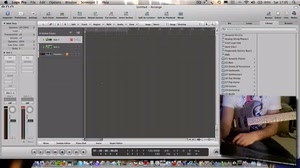
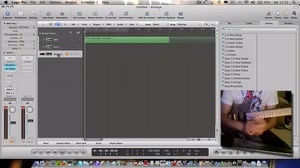
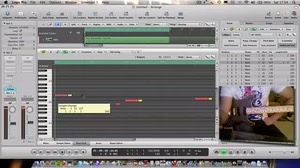
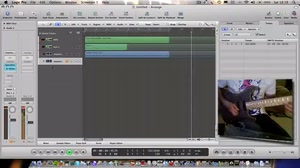
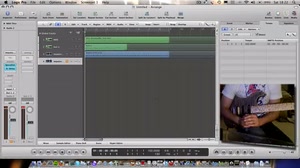




Now for the bass part in Trilian.
In order to keep the video's time down I've already written the bass part off camera but I'll go through it for you in the video.
The Trilian interface is very similar to Stylus RMX and it's very quick to select a clean Fender Jazz bass patch complete with cool slides and velocity layers. When creating even simple backing tracks, try to select plugins that have more realistic samples with many velocity layers. This means the instrument will respond well to dynamic levels, giving a more realistic sound for the end result. The more realistic the backing track, the more fun it is to play over!
Now the bass is done. The track is nearing completion but I want to add one more part in the next video.