
A step counts as done once you’ve marked every lesson in it complete. The bar at the top of the path shows how many steps you’ve finished, and the button changes to Continue Step so you can pick up right where you left off.

Each step in the list shows its own progress too.
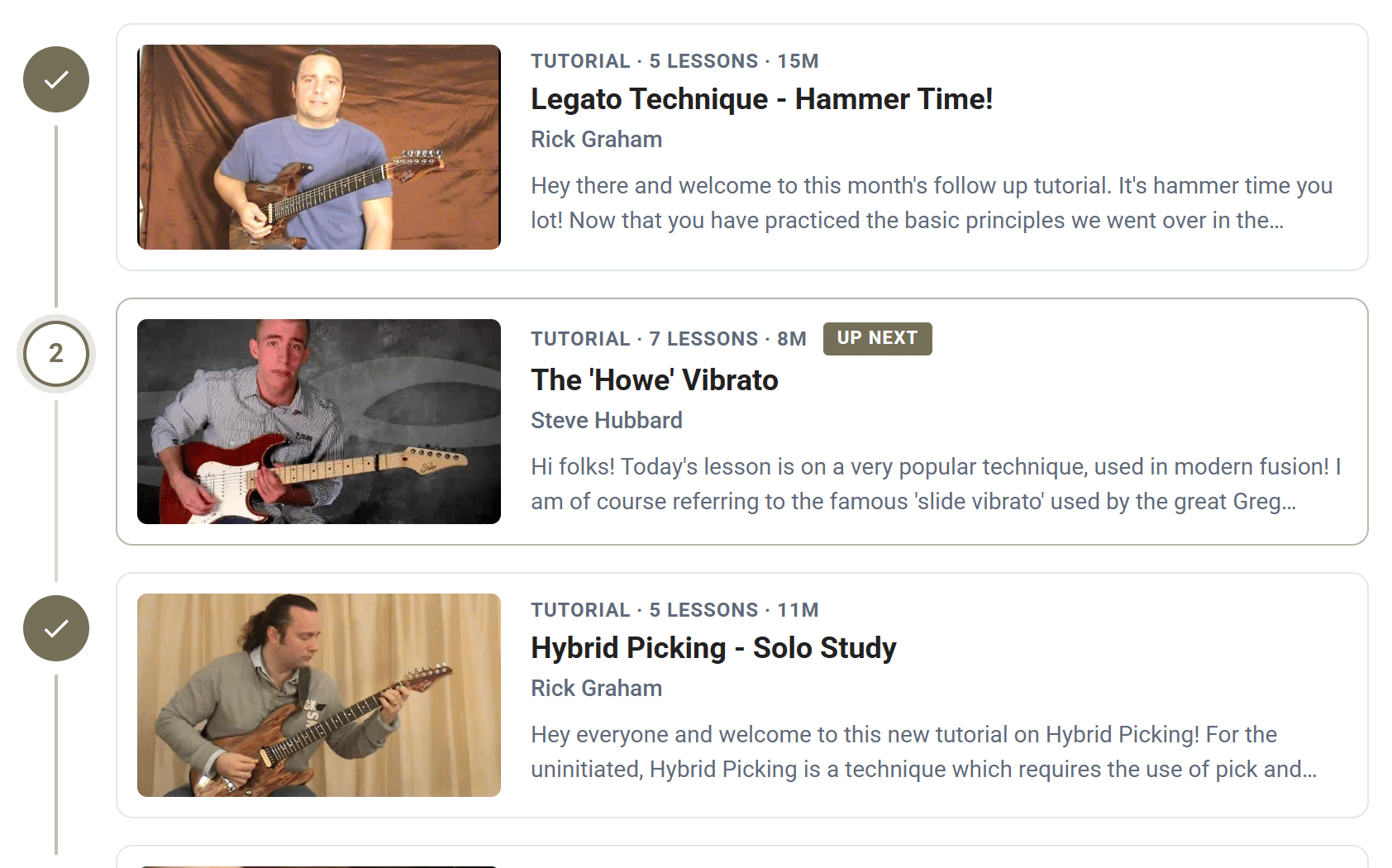
Your progress is saved to your account, so it follows you to your phone, tablet or computer. And a lesson you complete counts in every path it’s part of.