
All Tutorials
Tutorial
Essential Steps To A Better Mix
Al Joseph
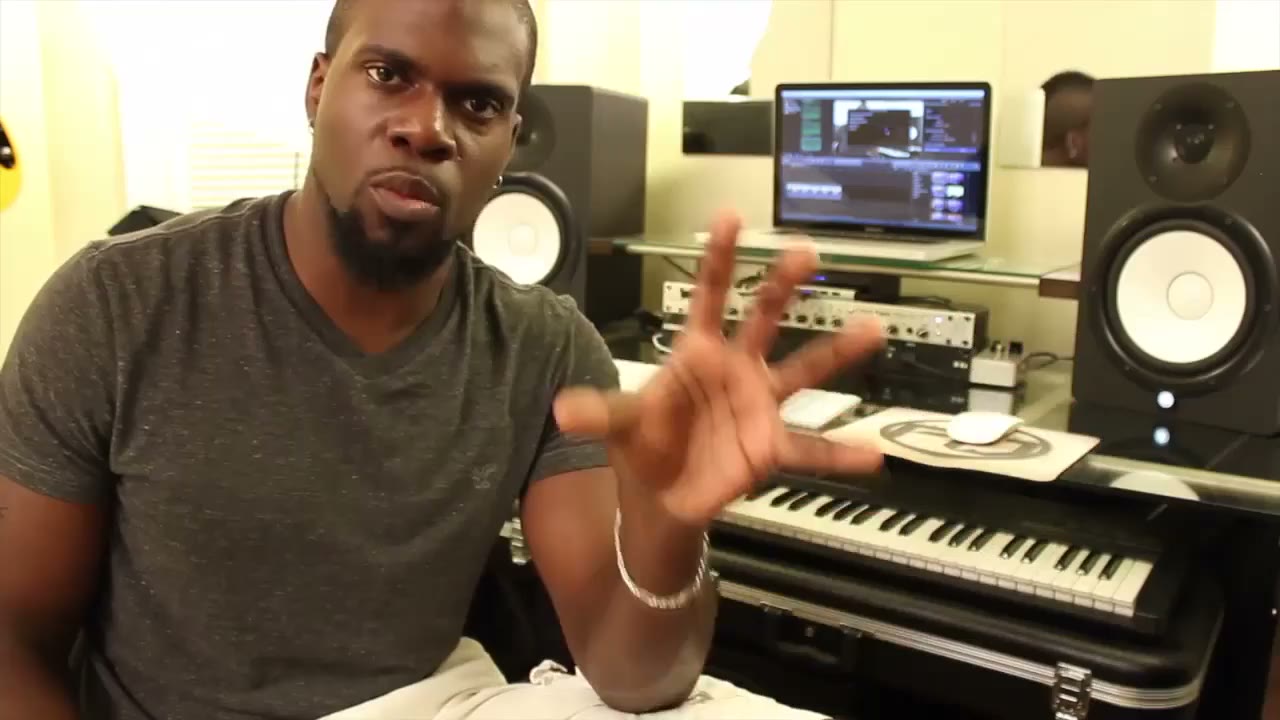
Welcome! In this tutorial, we're going to cover: 1. Gain Staging - Making sure your recordings are going in at the proper levels 2. Balancing your mix - NO EQ. Just faders. This process should usually take about a week or so per song 3. Using EQs - Your EQ is not a problem solver. It's a lever of various frequencies. It should only be used slightly and mostly used subtractively 4. Using Compressors - Hence the name compression, this tool is used to automatically reduce gain on a given track Let's go through these one by one...
Unlock all 7 lessons
Premium includes every lesson, tab and backing track on the site.
See Premium Plans
7 Lessons
-
1
 3:13
Lesson · 3m Essential Steps To A Better Mix - Intro
Welcome! In this tutorial, we're going to cover: 1. Gain Staging - Making sure your recordings are going in at the proper levels 2. Balancing your mix - NO EQ. Just faders. This process should usually take...
-
2
 7:00
Lesson · 7m Essential Steps To A Better Mix - Making Headroom
Essential Steps To A Better Mix My philosophy on balancing my mix is all about feeling. I want to feel a given instrument leap out of my speakers a certain way or level. You can do that with a single fader...
-
3
 3:51
Lesson · 4m Essential Steps To A Better Mix - Gain Staging
Essential Steps To A Better Mix Improper gain staging can destroy your work flow and balance, leaving you with a skewed vision of your sound field. Gain staging is accomplished on two spectrums: 1. Making sure...
-
4
 7:56
Lesson · 8m Essential Steps To A Better Mix - Using EQ
Essential Steps To A Better Mix EQs are not problem solvers! They are simply mixing boards of a wide spectrum of frequencies. For instance, You have the kick drum, bass guitar, and lead guitar or vocal in...
-
5
 6:25
Lesson · 6m Essential Steps To A Better Mix - Using Compression
Essential Steps To A Better Mix Compression is not a problem solver or signal booster. A compressor is used to "compress" peaks in your signal automatically. You can also control how fast this plugin turns...
-
6
 2:59
Lesson · 3m Essential Steps To A Better Mix - Play Through
Essential Steps To A Better Mix In the Play back stage you should find yourself making slight adjustments. Nothing drastic. I'm a perfectionist, I will start over frm scratch if this happens. Luckily I have a...
-
7
 9:05
Lesson · 9m Essential Steps To A Better Mix - Wrap Up
Essential Steps To A Better Mix Remember: 1. Record at apropriate levels. If these are set right then the next step should be a lot more of a pleasant process 2. Set your mixer levels low enough to account for...
More like this
 Creating Backing Tracks
Tom Quayle
Hi there guys and welcome to this tutorial on creating backing tracks! We're going to be focusing on how I record my backing tracks with specific reference to the software I use and the plugins used to create...
 Recording With Impulse Responses
Tom Quayle
Hi there guys! Welcome to this months tutorial which is a slight departure from what you were probably expecting. First let me say that "Playing over Changes Part II' is coming your way next month but I wanted...
 In The Style Of Metallica
Chris Feener
Hey everyone! I'm amidst heavy rehearsals for a Metallica tribute gig, so I figured I'd share some insight as to how one would go about achieving Metallica's tone through one's rig, and through one's fingers...
 Getting Killer Guitar Tone for FREE
Richard Lundmark
Welcome to this tutorial on Getting Killer Guitar Tone for FREE! The idea for this tutorial sprung from me looking for good software-based tone that would allow me to only bring my guitar and a small laptop to...
 The Basics of Miking an Amp
Steve Hubbard
Hi guys, This tutorial focuses on some basic principles for miking a guitar amp, in both a live, and a studio situation. In each of the following videos, I'll include sound samples, to give you a proper...
 Using Cubase Recording Software
Pavel Denisjuk
Welcome to our first lesson in Cubase. Cubase covers a huge area of recording and editing your audio and MIDI tracks, so I will break it into small lessons and explain it part by part not to make it a boring...