











What you'll learn
- The click now sounds on beat 4 only, so your internal metronome has to fill in beats 1, 2 and 3.
- The click is set to 41 bpm on beat 4, which gives a perceived tempo of 164 bpm.
- Keep your foot tapping on beats 2 and 4 while playing the same chord progression as the previous exercise.
- If your metronome won't go slow enough, make your own pulse with a single drum hit in a program like Logic, Cubase or a free MIDI editor.
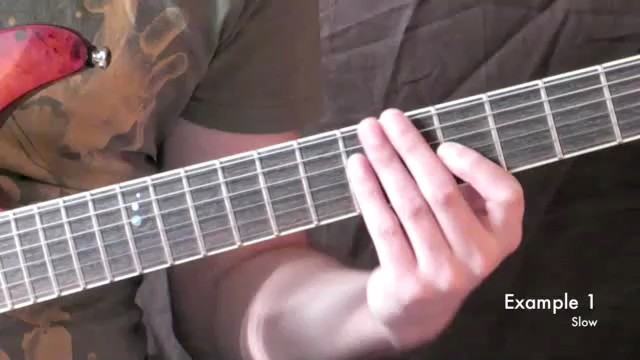
This exercise mirrors number 3 except that out click is now perceived on beat 4 of the bar instead of beat 2.
Again the click is set to 41 bpm to display this beat 4 giving us a perceived tempo of 164 bpm.
Your internal metronome now has to fill in beats 1, 2 and 3.
The chord progression is the same as in the previous exercise.
Good luck.