



What you'll learn
- Creating a rhythm track and using Add Sounds to pick drums like bass drum, toms, snare, hi-hat, crash, China, ride and splash.
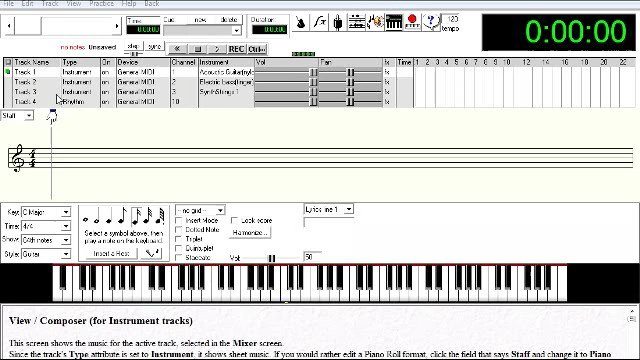
- Reading the timeline: solid black lines mark bars, and dashed lines are the grid, with 16 boxes per bar on a 16th note grid and 8 on an 8th note grid.
- Building a basic beat with 8th notes on the hi-hat, a crash on the first hit and snare on 2 and 4.
- Copying and pasting a bar to loop the beat.
- The grid and note value don't have to match, so an 8th note on a 16th note grid spans two boxes.
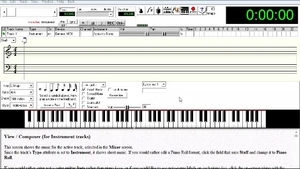
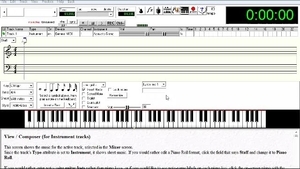
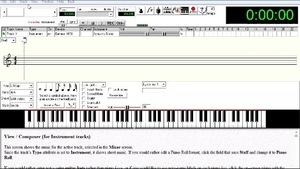
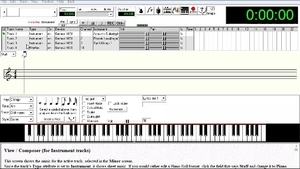
Now let's go ahead and create a drum track. When you create a drum track in Anvil Studio, you'll have the option to select which particular drums you want assigned to your drumkit. I generally just use typical drum sounds such as the kick, snare, toms, cymbals, etc. But feel free to be creative and build whatever drumkit fits your style.
In the next video, we'll compose a short riff so you can get a feel for how the overall process works.