
On your Account page, click Upload photo under Name & Photo and pick an image. JPG, PNG and WebP all work, and we crop it to a square for you.
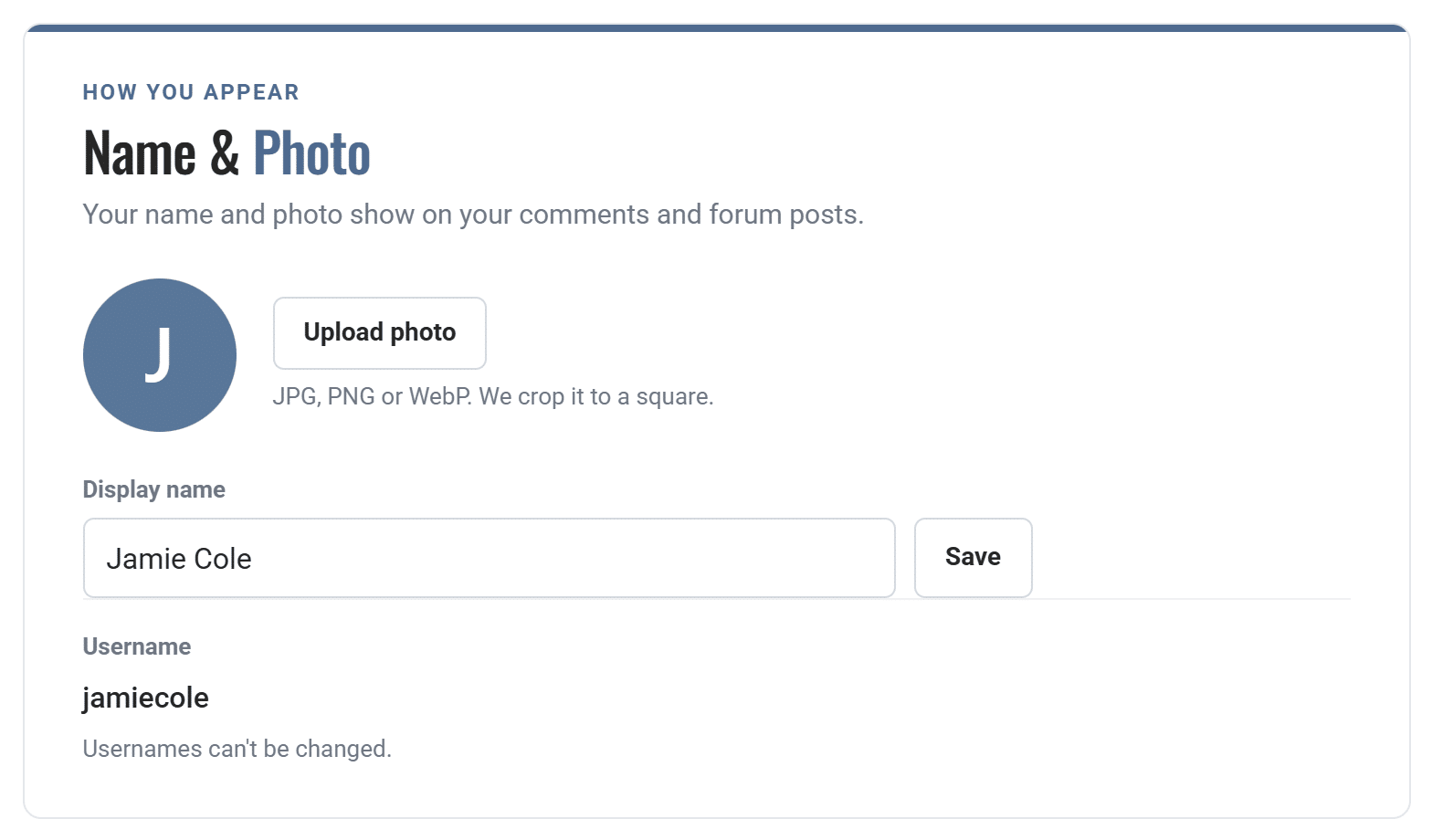
Your photo shows in the account menu at the top of the site and next to your comments.
How can we help?
On your Account page, click Upload photo under Name & Photo and pick an image. JPG, PNG and WebP all work, and we crop it to a square for you.
Your photo shows in the account menu at the top of the site and next to your comments.
We use them to run the site, see how it's used, and help with marketing. Change your mind anytime. Privacy policy