
Click your name at the top right of any page and choose Account. Under Your Password, click Change password, enter your current password and your new one, and save.
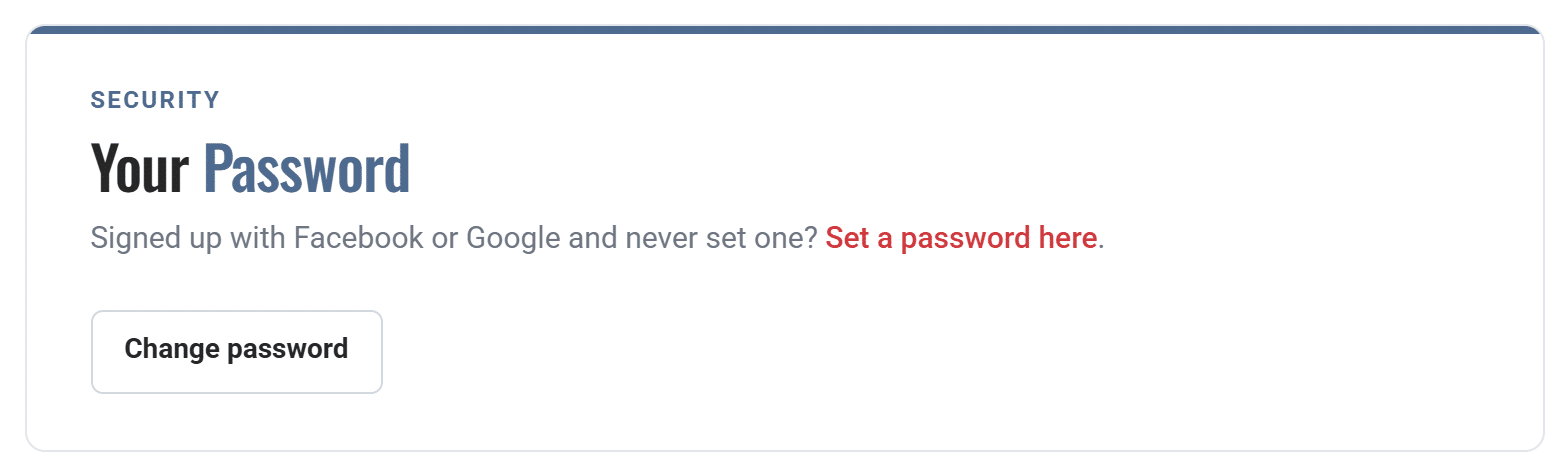
Signed up with Google and never set a password? Use the Set a password here link in the same section. If you’ve forgotten your current password, use the password reset page instead.