
No problem. On the log in page, click Lost your password? and enter the email address you signed up with. We’ll send you a link to choose a new password.
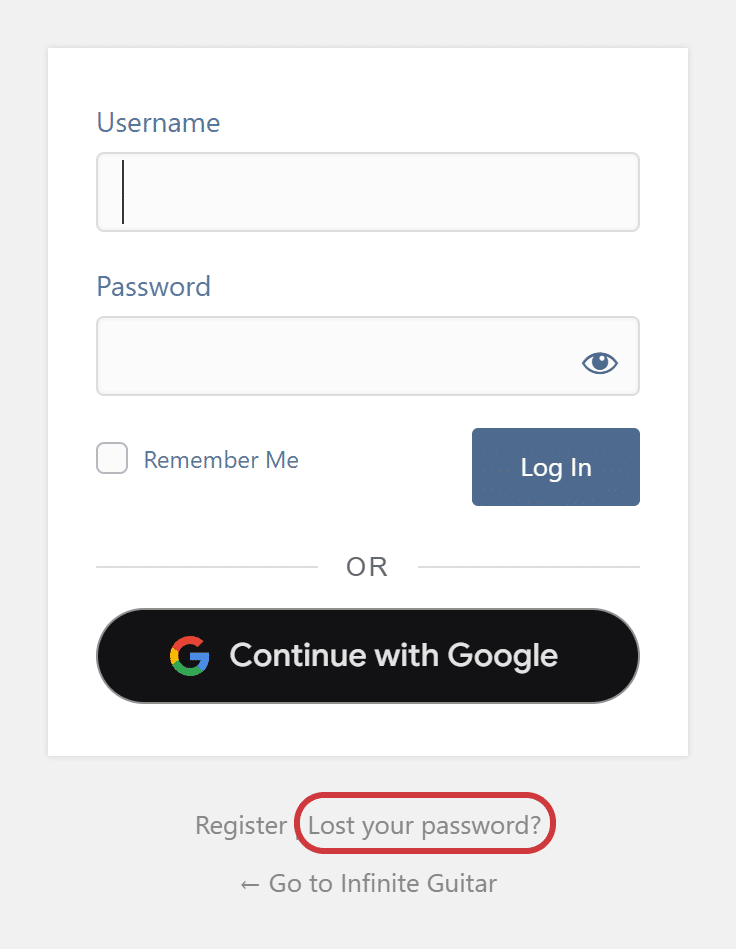
A few things to keep in mind:
- Passwords are case-sensitive, so check your caps lock.
- If the email doesn’t show up within a few minutes, look in your spam or promotions folder.
- If you signed up with Google, click Continue with Google instead. You don’t need a password for that.
- Used to log in with Facebook? Facebook sign-in is gone, but your account is still here. Click Lost your password?, enter the email address from your Facebook account and set a password.
Still locked out? Send us a message and we’ll get you back in.